The CRM built for collision shops.
Bayline gives your team one place to work every customer: a shared inbox for texts, email and call transcripts, a "Needs you" list, and a job board that sends the right update when a car moves. It works alongside CCC ONE and Mitchell.
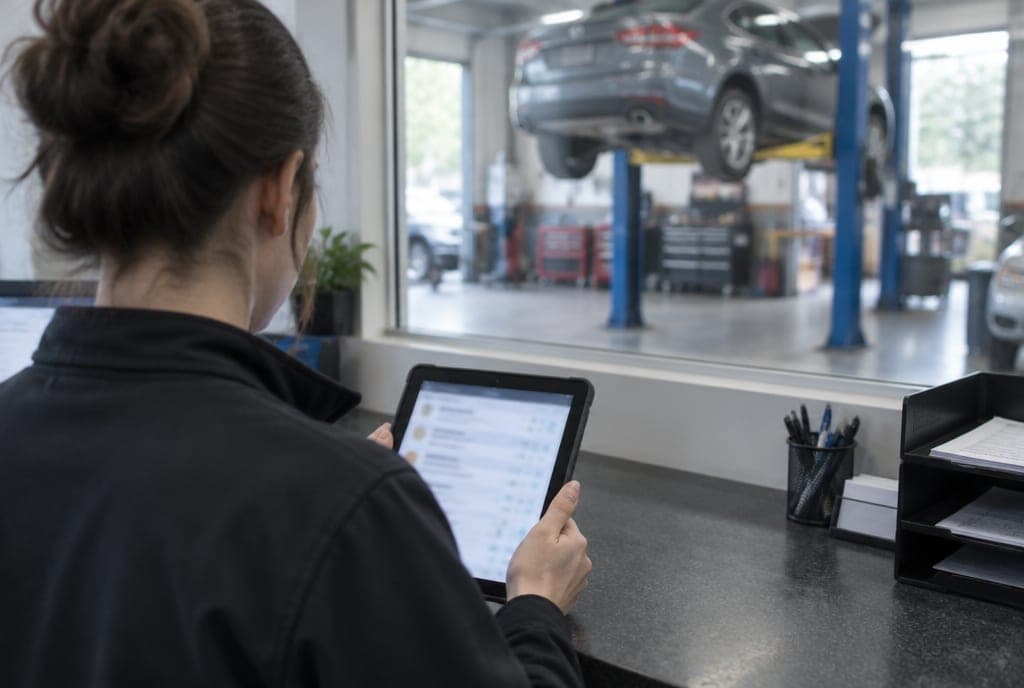
Start the day with "Needs you": the calls, texts and cancel requests that need a person, in one list.

What's in the staff app
Everything the front desk touches, in one app.
One inbox
Texts, emails and call transcripts per customer, with AI-drafted replies your staff reviews before sending.
Needs you
At the top of the dashboard: call-backs, replies waiting and cancel requests, in one list.
Job board by repair stage
Move a car to the next stage and the matching customer update goes out.
Fast new estimates
Enter a walk-in or a phone estimate quickly. Returning customers are matched as you type.
Appointments
Estimates, drop-offs and pickups on one calendar, including what Bayline booked overnight.
Parts tracking
See what's ordered and what's arrived on each job.
Insurer updates
Share a claim timeline with the adjuster through a link, so fewer calls ask "where is it?"
Photos and files
Keep damage photos and documents with each customer.
Works alongside CCC ONE and Mitchell
Is Bayline collision estimating software?
No. Bayline doesn't write estimates and doesn't replace your estimating system. Keep writing estimates in CCC ONE or Mitchell. Bayline runs the customer side around them: calls, texts, bookings, repair-stage updates and follow-up.
How Bayline fits with CCC ONE and Mitchell →- Writes the estimate
- Parts and labor lines
- Estimate files for the insurer
- Answers calls and texts
- Books estimate visits
- Confirmations and reminders
- Job stages and customer updates
- Inbox, Needs you, files

Help inside the app.
Your staff can ask Clara "how do I…" questions. She answers from the built-in help center and can look things up, so new hires don't have to interrupt you.
Kept separate. Yours to take with you.
Each shop's data is isolated from every other shop's. It's yours, and if you leave, we export your customers, jobs and messages for you.
Shop CRM questions


See your shop in the staff app.
In 30 minutes we'll walk through a real after-hours call, your calendar and the staff app. Then we'll tell you honestly whether it fits your shop.
Prefer email? support@bayline.ai